

Back
Collection5 articles
MCP & AI Protocols
Everything MCP: what it is, how to set it up, how to build custom servers, and which integrations matter in 2026.
Curated Articles & Updates


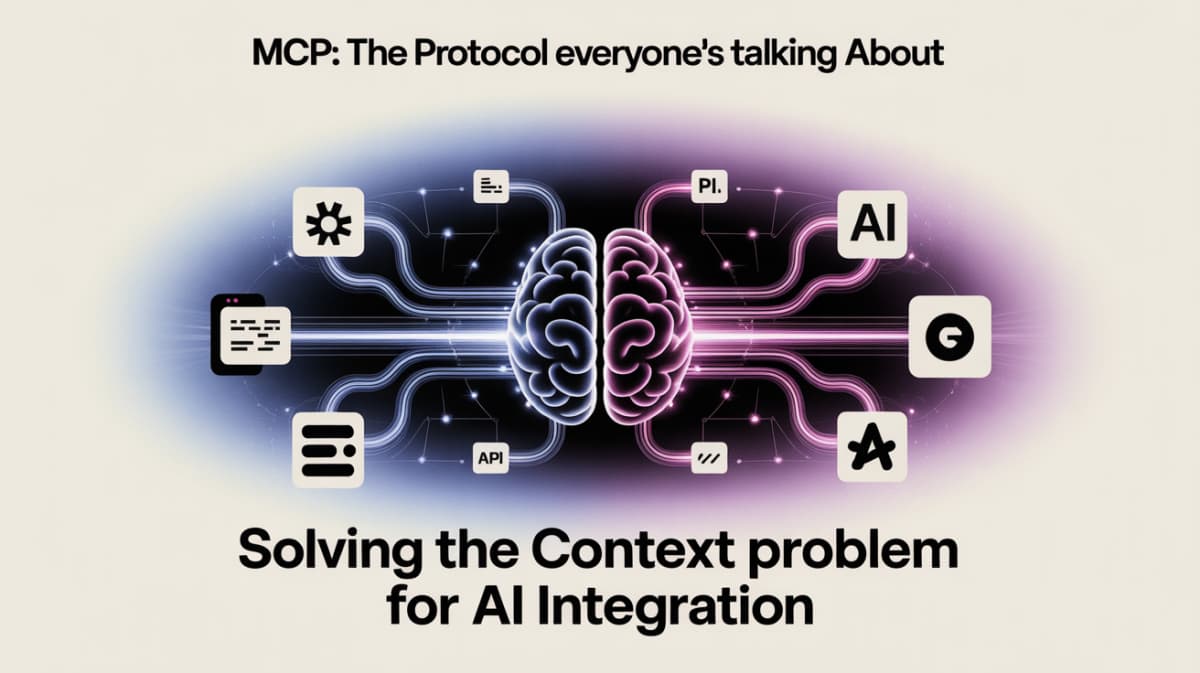
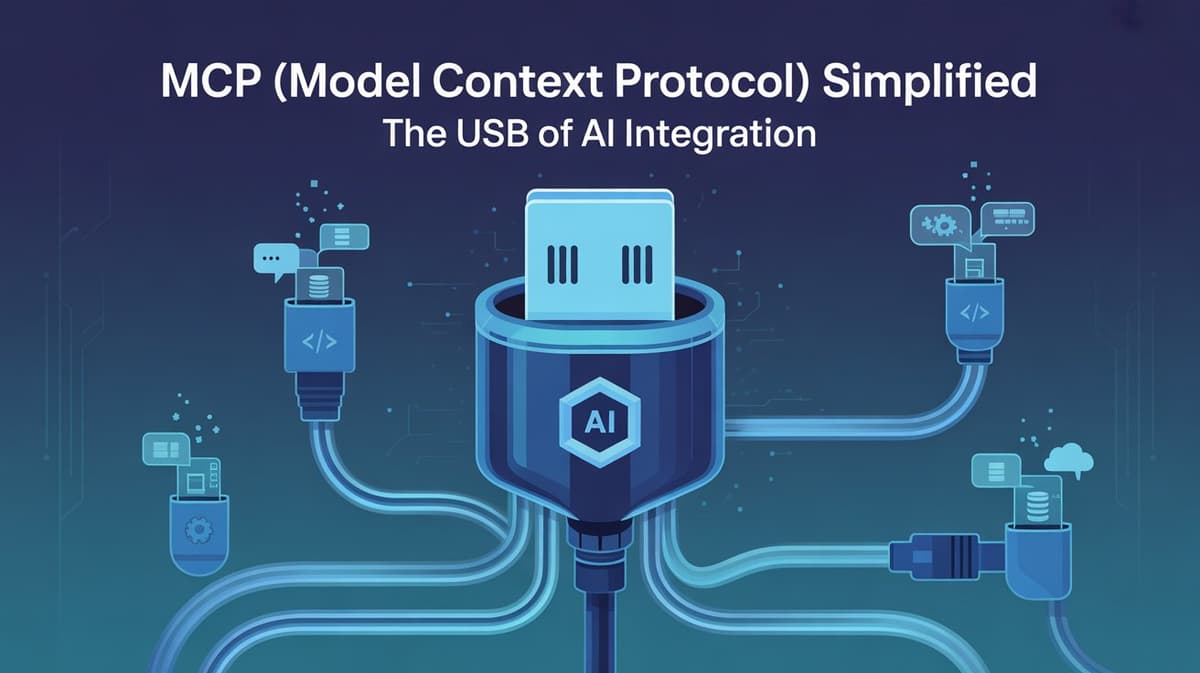
What Is the Model Context Protocol (MCP)?
The Model Context Protocol (MCP) is an open standard developed by Anthropic in late 2024 and now widely adopted across the AI industry. It defines a standard way for AI models to connect to external data sources, tools, and services — databases, APIs, file systems, SaaS applications, and any other system the model needs to interact with. Before MCP, connecting an AI model to an external service required custom integration code for every model-service pair. MCP standardizes this interface, so any MCP-compatible server can connect to any MCP-compatible client without custom integration work.
Why MCP Matters for Developers in 2026
MCP is rapidly becoming the plumbing layer of the AI ecosystem. Every major AI model provider has either adopted or announced MCP support in 2026, and a growing library of open-source MCP servers covers the most common integrations — GitHub, Postgres, Google Drive, Slack, Notion, and hundreds more. For developers building AI applications, MCP offers three major benefits: portability (build once, connect to any MCP-compatible model), standardization (use community-maintained servers instead of writing custom integrations), and security (MCP's resource and tool permission model gives models access only to what they explicitly need).
Building Your First MCP Server
An MCP server exposes three types of interfaces: resources (read-only data the model can access, like file contents or database query results), tools (actions the model can invoke, like writing a file, sending an email, or calling an API), and prompts (pre-configured prompt templates). Building a basic MCP server requires implementing these interfaces in the MCP server SDK (available for Python and TypeScript) and registering it with your MCP-compatible client.
The MCP Ecosystem in 2026
The MCP ecosystem has grown rapidly since its introduction. Key community resources include the official MCP server registry (hundreds of open-source servers), Anthropic's MCP documentation, and community-maintained servers for every major SaaS tool. Claude has the most mature MCP support, with native MCP integration in both the Claude API and Claude Code. The other major providers (OpenAI, Google) have announced MCP support with varying degrees of native integration.
Frequently Asked Questions
What is the Model Context Protocol (MCP)?
The Model Context Protocol (MCP) is an open standard that defines how AI models connect to external tools, data sources, and services. Instead of writing custom integration code for every model-tool pair, MCP provides a standard interface: any MCP server can connect to any MCP-compatible model client. It was developed by Anthropic in 2024 and is now supported across the major AI ecosystems.
How do I set up MCP with Claude?
To set up MCP with Claude Desktop: (1) install Claude Desktop, (2) open the Claude Desktop config file (~/Library/Application Support/Claude/claude_desktop_config.json on Mac), (3) add an entry for each MCP server you want to connect with its command and arguments, (4) restart Claude Desktop. Pre-built community servers are available for GitHub, Postgres, Google Drive, Slack, Notion, and many more.
How do I build a custom MCP server?
An MCP server is a process that implements the MCP specification and exposes tools, resources, and prompts to MCP-compatible clients (like Claude). You build one using the official MCP Python or TypeScript SDK. Define your resources (data sources the model can read), tools (actions the model can invoke), and prompts (template configurations). Register the server in your client config and the model can use it in conversations.
What can MCP servers do? What kinds of tools can they expose?
MCP servers can expose two types of model actions: reading data (resources) and performing actions (tools). Common tool types include: file system operations (read, write, search files), database queries (SELECT and optionally INSERT/UPDATE), API calls (trigger webhooks, call REST APIs), and application-specific actions (create Notion page, send Slack message, open GitHub issue).
How is MCP different from just calling an external API directly?
MCP provides a standardized interface that works with any compatible model (portability) and separates the integration logic into an independent server process (separation of concerns). Direct API calls require custom code per integration and are tightly coupled to your application code. Use MCP when building reusable integrations that need to work across multiple AI workflows or when you want to use community-maintained servers instead of writing your own.
What are the most useful pre-built MCP servers available?
The most useful community MCP servers in 2026 are: filesystem (read/write local files), GitHub (repos, issues, PRs), PostgreSQL (database queries), Google Drive (file access), Slack (messaging), Notion (pages and databases), Brave Search (web search), Puppeteer (browser automation), and SQLite (local database). All are available in the official MCP server repository on GitHub and installable via npm or pip.
Recommended
View all%25203%2520(2).png&w=96&q=75)
AI Agent Frameworks
68 articles
AI Applications & Use Cases
77 articles
AI Automation & No-Code
24 articles
AI Careers, Salary & Resume
15 articles
AI Coding Tools
57 articlesWaitlist Open
Agentic AI Launchpad
Will you be among the 1% who build AI Agents, or the 99% who just use them? Master AI app development.
- 6 Weeks Live Mentorship
- Build & Deploy 5+ Apps
- No Coding Required

Subscribe to updates
Get the latest insights directly in your inbox.