Are you watching others build the future or stepping up to lead?
Join Gen AI Launch Pad 2025 and ensure you’re at the forefront of change.
Introduction
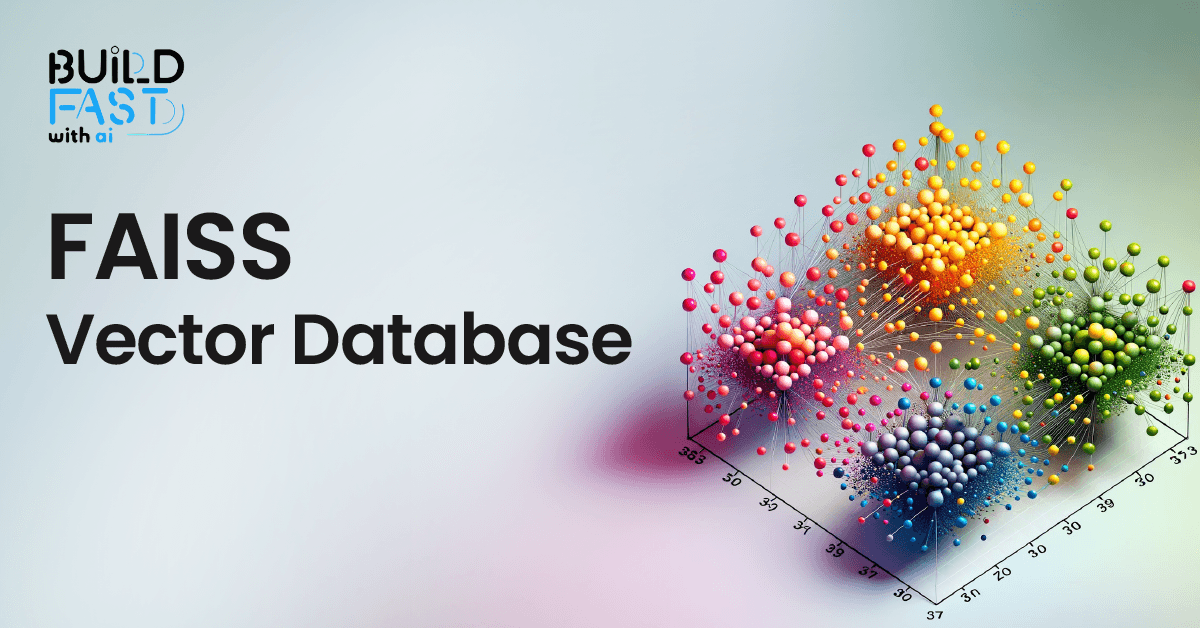
In an era dominated by massive datasets and the need for lightning-fast search capabilities, efficient handling of dense vector data has become a cornerstone of many AI and machine learning applications. Enter FAISS (Facebook AI Similarity Search) – an open-source library designed to perform similarity search and clustering for dense vectors at scale. FAISS is optimized for both CPU and GPU environments, making it ideal for large-scale, high-performance applications.
This blog will take you through a comprehensive exploration of FAISS, providing detailed explanations of its functionalities, sample code snippets, and real-world applications. By the end, you will have a strong grasp of how to implement FAISS for your vector search and clustering needs.
Detailed Explanation
1. Setting Up FAISS and Required Libraries
To begin, we need to install the required libraries. In this example, we are also using LangChain for embedding generation.
Code
!pip install -qU langchain-community faiss-cpu langchain_openai

from google.colab import userdata
import os

os.environ["OPENAI_API_KEY"] = userdata.get('OPENAI_API_KEY')

from langchain_openai import OpenAIEmbeddings

embeddings = OpenAIEmbeddings(model="text-embedding-3-large")
Explanation
- FAISS: The core library for similarity search and clustering.
- LangChain: Used here for embedding generation with OpenAI’s
text-embedding-3-largemodel. - OpenAI API Key: Required to access the embedding generation model.
Real-World Application
This setup is ideal for any application requiring semantic search, such as document retrieval, recommendation systems, or question answering systems.
2. Creating a Vector Store with FAISS
The vector store is a fundamental component that holds your vector data and allows efficient similarity searches.
Code
import faiss
from langchain_community.docstore.in_memory import InMemoryDocstore
from langchain_community.vectorstores import FAISS

index = faiss.IndexFlatL2(len(embeddings.embed_query("hello world")))

vector_store = FAISS(
    embedding_function=embeddings,
    index=index,
    docstore=InMemoryDocstore(),
    index_to_docstore_id={},
)
Explanation
- FAISS Index: Here, we create a
FlatL2index, which computes L2 (Euclidean) distances for similarity searches. - Vector Store: Combines the FAISS index with a document store (
InMemoryDocstore) to manage the relationship between documents and their vector representations.
Real-World Application
This structure is perfect for building vector databases for tasks like clustering customer reviews or searching through a large corpus of documents.
3. Adding Documents to the Vector Store
Adding documents to the vector store involves embedding the text and assigning unique IDs to each document.
Code
from uuid import uuid4
from langchain_core.documents import Document

document_1 = Document(
    page_content="I had chocolate chip pancakes and scrambled eggs for breakfast this morning.",
    metadata={"source": "tweet"},
)
document_2 = Document(
    page_content="The weather forecast for tomorrow is cloudy and overcast, with a high of 62 degrees.",
    metadata={"source": "news"},
)

# Add more documents...

documents = [document_1, document_2]
uuids = [str(uuid4()) for _ in range(len(documents))]

vector_store.add_documents(documents=documents, ids=uuids)
Explanation
- Document Class: Represents individual text entries with associated metadata.
- UUIDs: Unique identifiers to ensure each document is uniquely tracked in the vector store.
add_documents: Embeds the text and stores it in the FAISS index.
Expected Output
The documents are embedded and added to the vector store, ready for similarity search.
Real-World Application
This step is essential when building searchable databases for social media analysis, news archives, or customer feedback systems.
4. Deleting Documents from the Vector Store
To remove a document from the vector store, use the document's unique ID.
Code
vector_store.delete(ids=[uuids[-1]])
Explanation
delete: Removes the specified document(s) from the vector store.
Real-World Application
Document deletion is useful when maintaining a dynamic dataset, such as updating product catalogs or handling GDPR-related requests.
5. Performing Similarity Search
FAISS allows us to perform a similarity search based on a query vector.
Code
results = vector_store.similarity_search(
    "LangChain provides abstractions to make working with LLMs easy",
    k=2,
    filter={"source": "tweet"},
)

for res in results:
    print(f"* {res.page_content} [{res.metadata}]")
Expected Output
* Building an exciting new project with LangChain - come check it out! [{'source': 'tweet'}]
* LangGraph is the best framework for building stateful, agentic applications! [{'source': 'tweet'}]
Explanation
- Similarity Search: Retrieves the top
kresults based on the similarity to the query vector. - Filter: Restricts results to documents matching specific metadata criteria.
Real-World Application
This feature is critical for building chatbots, Q&A systems, or search engines tailored to specific contexts or user preferences.
6. Saving and Loading the FAISS Index
You can save the FAISS index for later use, ensuring persistence across sessions.
Code
vector_store.save_local("faiss_index")

new_vector_store = FAISS.load_local(
    "faiss_index", embeddings, allow_dangerous_deserialization=True
)
Explanation
save_local: Saves the FAISS index and associated data to a local file.load_local: Loads the saved index into memory for use in new sessions.
Real-World Application
Saving and loading indices is critical for production systems where indices are precomputed and reused.
7. Merging Multiple Vector Stores
Combine multiple vector stores into a single unified store.
Code
db1 = FAISS.from_texts(["foo"], embeddings)
db2 = FAISS.from_texts(["bar"], embeddings)

db1.merge_from(db2)
Explanation
merge_from: Combines two vector stores into one, consolidating their documents and indices.
Real-World Application
Merging is valuable when consolidating datasets, such as combining data from different departments or sources.
Don't just use ChatGPT. Learn to build custom LLM agents, RAG pipelines, and full-stack Agentic AI apps in our intensive 6-week program.
Conclusion
FAISS provides a robust, scalable solution for similarity search and clustering of dense vectors, with applications spanning search engines, recommendation systems, and beyond. Its integration with LangChain simplifies embedding generation, while its support for saving, loading, and merging indices makes it highly practical for real-world use cases.
Next Steps
- Experiment with different similarity metrics (e.g., cosine similarity).
- Explore GPU-optimized FAISS for even faster performance.
- Combine FAISS with visualization tools for deeper insights into vector data.
Resources
- FAISS GitHub Repository
- LangChain Documentation
- OpenAI Embeddings API
- FAISS Build Fast with AI Notebook
---------------------------
Stay Updated:- Follow Build Fast with AI pages for all the latest AI updates and resources.
Experts predict 2025 will be the defining year for Gen AI Implementation. Want to be ahead of the curve?
Join Build Fast with AI’s Gen AI Launch Pad 2025 - your accelerated path to mastering AI tools and building revolutionary applications.
---------------------------
The only comprehensive program designed to take you from basic prompting to building interactive Artifacts, custom integrations, and deploying production-ready code with Claude Code.
Resources and Community
Join our community of 12,000+ AI enthusiasts and learn to build powerful AI applications! Whether you're a beginner or an experienced developer, this tutorial will help you understand and implement AI agents in your projects.
- Website: www.buildfastwithai.com
- LinkedIn: linkedin.com/company/build-fast-with-ai/
- Instagram: instagram.com/buildfastwithai/
- Twitter: x.com/satvikps
- Telegram: t.me/BuildFastWithAI