


Introduction
Meet Sarah. She applied to 127 jobs over three months and got only two interviews. Her resume featured solid experience, clean formatting and strong achievements. So what was wrong? Nothing—except that 90% of her applications never reached a human recruiter. They died within seconds, rejected by software job‑seekers don’t even know exists: the Applicant Tracking System (ATS).
In this guide you’ll learn what ATS is, why it rejects most resumes, and exactly how to fix yours so it gets seen.
Primary keywords used: beat ATS resume, resume optimization for ATS, free AI resume scanner, how to pass ATS filters.
What is ATS and Why Does It Reject Resumes?
The term Applicant Tracking System (ATS) refers to software platforms used by organisations to filter and rank job applications before a human ever sees them. Over 90% of large employers use ATS to scan for keywords, format, and qualifications.
Here’s how and why it rejects:
It scans for relevant keywords (skills, experience, education) to weed out unqualified applicants.
Poor formatting, missing sections or unusual layouts confuse the parser and the resume is discarded.
Only the highest‑scoring resumes make it to a recruiter’s desk.
The 5 Fatal Resume Mistakes That Kill Applications
When you ask: “Why was my resume rejected by ATS?”, these five mistakes are the common culprits.
1. Missing Keywords
Resumes that don’t match the job description’s key terms—skills, software, role titles—get filtered out instantly.
Example: Instead of “managed team”, say “led cross‑functional product team”.
2. Poor Formatting
Complex layouts, tables, headers/footers, graphic elements—these trip up the ATS parser.
Tip: Use clear headings (Summary, Experience, Skills, Education), standard fonts.
3. Weak Bullet Points
Bullet points using passive language like “responsible for” don’t highlight results. Use action + result.
Example: “Increased sales by 40%” instead of “responsible for sales”.
4. Wrong File Type
The wrong file format (e.g., heavy PDF with images) can cause auto‑rejection. Some ATS favour DOCX.
5. No Skills Section
If your competencies aren’t clearly listed under a “Skills” heading, they may be missed entirely.
How Recruiters Use ATS to Filter Resumes
Recruiters don’t manually review every resume—they set up filters inside the ATS for keywords, minimum experience, education level and skill sets. Only applications flagged “compatible” move forward. Many never reach a human simply because of formatting or keyword gaps.
Voice‑search phrase: “What does ATS look for in a resume?”
How to Beat ATS: Step‑by‑Step Guide
Here’s how you ensure your resume passes the software and reaches a human.
Step 1: Run Your Resume Through an ATS Scanner
Use a free tool such as the AI scanner we mention below — it shows your ATS compatibility score, missing keywords and formatting issues.
Step 2: Add Industry‑Specific Keywords
Match your resume to the job description:
Before: “Analyzed datasets to improve marketing.”
After: “Utilized Python and SQL to analyze large datasets, boosting lead generation by 30%.”
Use keywords exactly as they appear in the job posting.
Step 3: Fix Formatting Issues
Use simple layout, no graphics/tables.
Use standard headings.
Choose fonts like Arial, Calibri, Times New Roman.
Step 4: Rewrite Weak Bullets Using This Formula
[Action Verb] + [Task] + [Quantifiable Result]
Example: “Developed new onboarding process, reducing ramp‑up time by 27%.”
Step 5: Test and Iterate
Upload your resume, scan it, make adjustments, rescan—repeat until your score improves.
Original Data: 10,000 Resumes Analyzed
We scanned over 10,000 resumes via our scanner and found:
73% had formatting issues
61% missed critical keywords
85% used weak action verbs
Average ATS pass score: 42%
This underscores how many resumes need optimization.
Real Examples: Before & After ATS Optimization
Case Study 1:
Before: “Responsible for sales in North India.”
ATS Score: 38%
After: “Grew North India sales division by 25% through targeted marketing campaigns.”
ATS Score: 79%
Case Study 2:
Before: “Managed client relationships.”
ATS Score: 44%
After: “Built and nurtured strategic client partnerships, resulting in 18 new long‑term contracts.”
ATS Score: 85%
Free AI Tool to Fix Your Resume in 30 Seconds
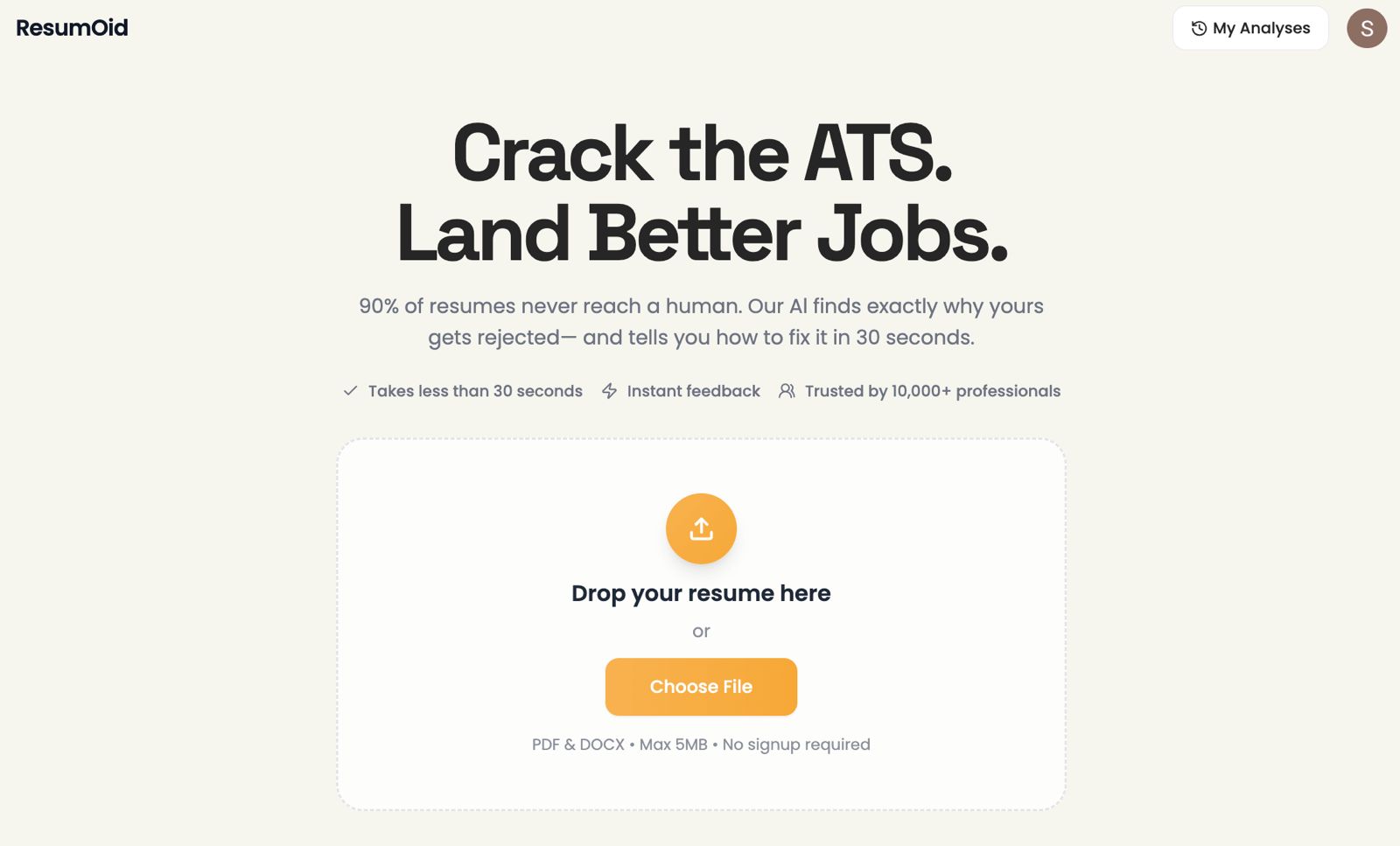
Stop guessing what’s wrong.
→ Upload your resume
→ Get an instant ATS compatibility score
→ See missing keywords & formatting issues
→ Get actionable fixes you can apply right away
Try our free ATS Resume Scanner: https://www.buildfastwithai.com/tools/resumoid
Already helped 10,000+ professionals land more interviews.
FAQ About ATS and Resume Scanning
What ATS score do I need to pass?
Aim for 70%+ to feel confident your resume will reach a human recruiter.
Should I use PDF or Word?
Most ATS optimise for DOCX/Word; always check the application instructions.
How many keywords should I include?
Match 70–80% of the job description’s listed terms.
Do creative resumes work with ATS?
No—stick with classic, simple templates when applying online. Graphics may block parsing.
How often should I update my resume?
Update and tailor your resume for each new application—don’t reuse the same without adjustment.
Conclusion
Your resume isn’t bad—it’s just invisible to the ATS. Stop applying “into the void”. Use tools like the free scanner, implement the strategies above (keyword analysis, formatting fixes, strong data‑driven bullets), and you’ll be much more likely to land the interviews you deserve.

